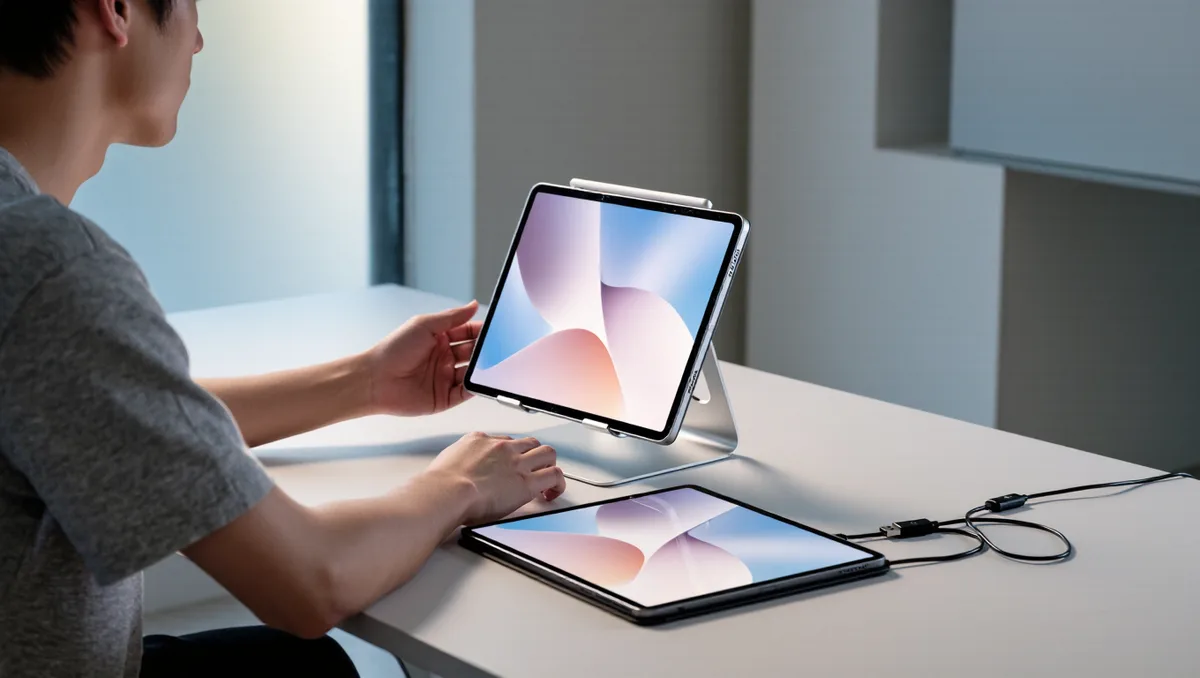
Yes, a tablet handles a digital comics collection well, and the app choice follows from the file extension. CBR and CBZ are the two formats you will meet most often, and any dedicated comic reader opens both, because each one is an ordinary archive of page images with a renamed ending. The reader app does the unpacking.
That detail explains most of what follows. When people search for comics apps cbr cbz support, they usually land on the same short list of readers, because turning an archive back into pages is the real work. A comic reader also differs from an ebook app in one key way: pages are pictures, so text never reflows. The same logic shapes how annotation and export tools behave in reader apps.
Claims below stay tied to what makers and format documentation state. For the wider category, the site's apps section tracks how these readers keep changing.
What Exactly Is a CBR or CBZ File?
Neither extension hides a special container. Per Wikipedia's comic book archive entry, a .cbr file is a RAR archive, a .cbz file is a ZIP archive, and both hold a sequence of image files, usually PNG or JPEG, named so they sort into reading order. Viewers add page-forward and page-back navigation, jumps to the first or last page, and zoom. Some archives also carry an XML file with credits and story data.
Which App Should iPad Owners Try First?
Panels is the default answer on Apple hardware, per the company's own site. Its format list covers CBR, CBZ, 7z, PDF, and comic EPUB, it runs on iPhone, iPad, and Mac, and the page states that reading progress syncs across devices. The same page documents text highlighting, so a name or a line of dialogue on a page can be selected, copied, or translated.
The trade-off is platform. Panels lives in the Apple ecosystem, and nothing on its site describes an Android version, so an Android owner starts the search again.
What Runs on Android, Windows, and a Home Server?
YACReader takes the cross-platform slot. Per its features page, the comic file list is wider than most: CBR, CBZ, CB7, RAR (including RAR5), ZIP, 7Z, TAR, and PDF, with image-based EPUB marked experimental. The family covers a reader and library for the desktop, mobile apps, and a server component, and folders on disk stay as they are, with metadata kept in the app's database instead.
Platform coverage per the same page: Windows (x64 and ARM64), macOS (Apple Silicon and Intel), and Linux through Flatpak on the desktop, plus iPhone, iPad, and Android apps. The honest trade-off is setup effort. The desktop library is where organization happens, and the mobile side works best when the server component runs somewhere on the network. This connects to our earlier piece, How Do You Back Up Your E-Book Library to the Cloud?.
How Do the Files Get Onto the Tablet?
- Keep each issue as one archive file, named so it sorts the way the series reads, because both readers treat file order as page and book order.
- On Apple hardware, move archives with the Files app, iCloud Drive, or AirDrop, then add the folder to the reader's library.
- On Android, copy archives over USB or through any cloud drive the file manager reaches.
- For large collections, run the desktop library and let the mobile apps pull from it: per YACReader's site, they browse a remote library, import comics, and keep reading progress in sync.
Does the Format Limit Reading Features?
Partly, yes. Because every page is a picture, a comic reader never changes fonts or reflows text the way an epub app does, which matters for low-vision readers. What the format does allow shows up in panel handling: per YACReader's site, the reader does page-by-page reading, double-page mode, right-to-left reading, and continuous scrolling, and per Wikipedia's entry, zoom and print are standard viewer functions. Image quality depends on the scan inside the archive, not on the app.
Conclusion: Match the Reader to Where Your Files Live
The format question turns out to be simple once the archive trick is clear: a .cbz is a ZIP and a .cbr is a RAR, and good readers open both. Pick Panels on Apple hardware if the collection is small and the devices are Apple's. Pick the YACReader family if the collection is large, spread across systems, or already lives on a home server. Either way, keep archives in CBZ where possible, since ZIP tooling is the more universal wrapper and travels between apps with the fewest moving parts.