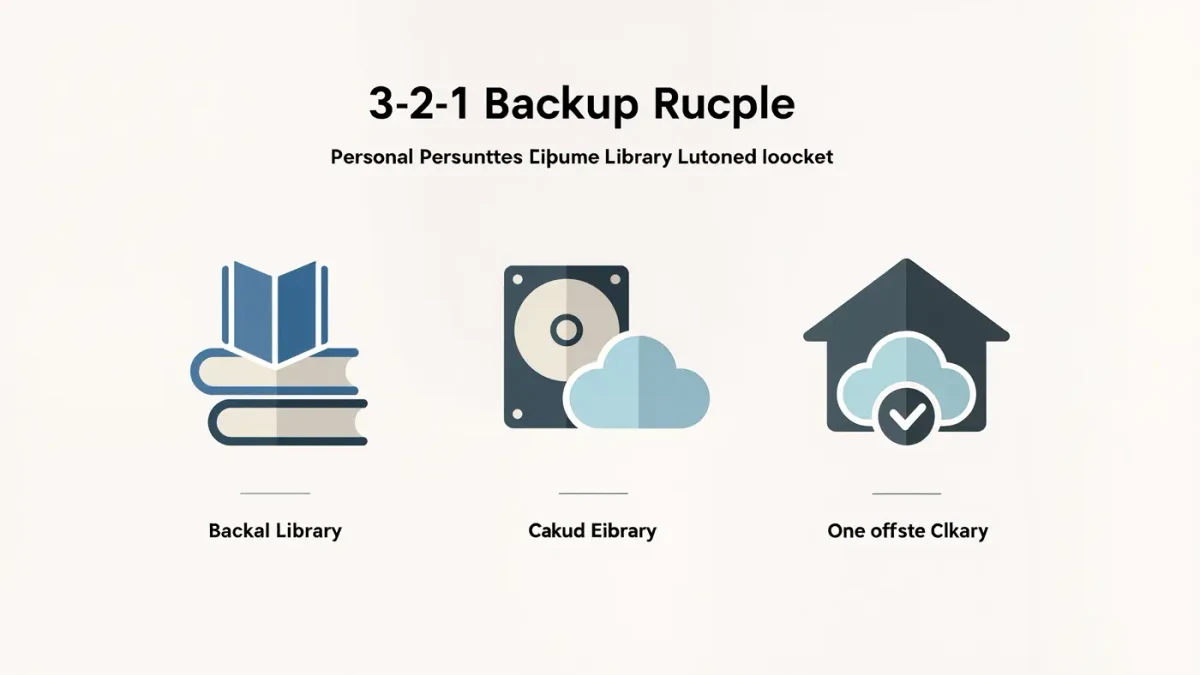
The reliable way is the classic 3-2-1 pattern: keep one master library on your computer, one copy on a cloud service like Dropbox or OneDrive, and one copy somewhere else — an external drive counts. If you sideload your own EPUB files through Calibre or a reader app, the books live only where you put them, and no store will re-deliver them. That is the whole risk.
MonBook Pro publishes information, not legal advice — back up only files you have the right to keep, and note that store-licensed e-books with DRM generally cannot be copied this way at all.
What exactly needs backing up?
Your own files: EPUBs, PDFs, MOBI files, and anything else you imported from your own sources. Also Calibre's library folder if you use it — per Calibre's documentation, the library is a folder whose contents include your metadata, edits, and covers alongside the books, so backing up the folder preserves your organization, not just the files.
Store-purchased books are different: Kindle and Kobo purchases live in your store account and re-download on demand, per those companies' support pages — until a title is withdrawn, which happens. An off-device record of what you own (a list, screenshots of your library) is cheap insurance.
How do you set up the master-plus-cloud workflow?
- Choose one computer as home base and install Calibre there if you use it.
- Keep every new book file in the library folder before it goes to any device.
- Point your cloud-sync client at that folder, or copy it to the cloud drive on a schedule.
- Once a season, open a couple of books from the cloud copy to confirm the backup is real, not theoretical.
The Library of Congress, which maintains its own digital-preservation guidance for the public, makes the same point about verification: an untested backup is a hope, not a plan.
Which cloud service should you use?
Any mainstream sync service works for this — Dropbox, OneDrive, Google Drive, or a dedicated backup provider. The differentiators are price at your library's size and whether you want file history (the ability to recover a previous version after a bad edit or a ransomware-style mishap). Most major services document their version-history windows on their pricing pages; check before trusting one as your only copy.
Privacy-minded readers can pair a cloud copy with an encrypted archive — a password-protected archive of the library folder stored anywhere. The method matters less than having two independent copies under two different roofs.
What about the books on the e-reader itself?
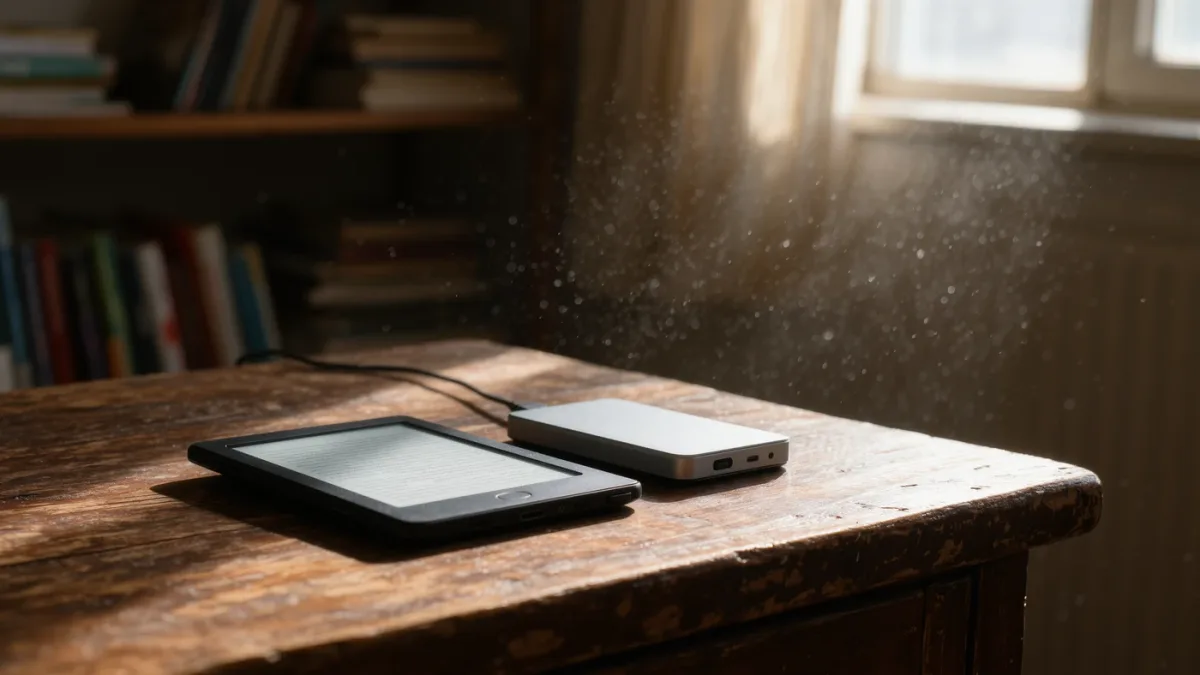
Treat the device as a reading surface, not storage. Sideloaded books on an e-reader vanish if the device is lost, reset, or fails — so the copy on the device should always be a duplicate of something in your master library. Apps sidestep this differently: Moon+ Reader and PocketBook Reader both document cloud or backup options for their libraries, but those back up the app's world, not files you loaded outside it.
After a device swap or factory reset, reload from the master. That is the moment the backup pays for itself.
How often should you back up, really?
Sync clients make this nearly automatic: files land in the cloud as you add them. If you batch-add books monthly, verify the same month. The failure mode to guard against is silent — a sync paused for weeks, a full drive, a folder renamed out of the sync scope. A quarterly ten-minute check, opening one recent book from the cloud copy, catches all three.
What does a sane backup layout look like?
| Copy | Where | Protects against |
|---|---|---|
| Master library | Computer drive | Device loss, app failure |
| Cloud mirror | Sync/backup service | Drive failure, theft, fire |
| Offline copy | External drive or archive | Account compromise, sync errors |
| Ownership list | Notes app or spreadsheet | Store withdrawals, disputes |
Is this overkill for a small library?
Scale it down, not away. Even a hundred books represent hours of hunting, converting, and organizing — and the master-plus-cloud setup costs one folder and one sync client. The people who regret skipping backups are never the ones with six books; they are the ones with six thousand and a dead drive. Build the habit while the library is small, and it will hold when it is not.