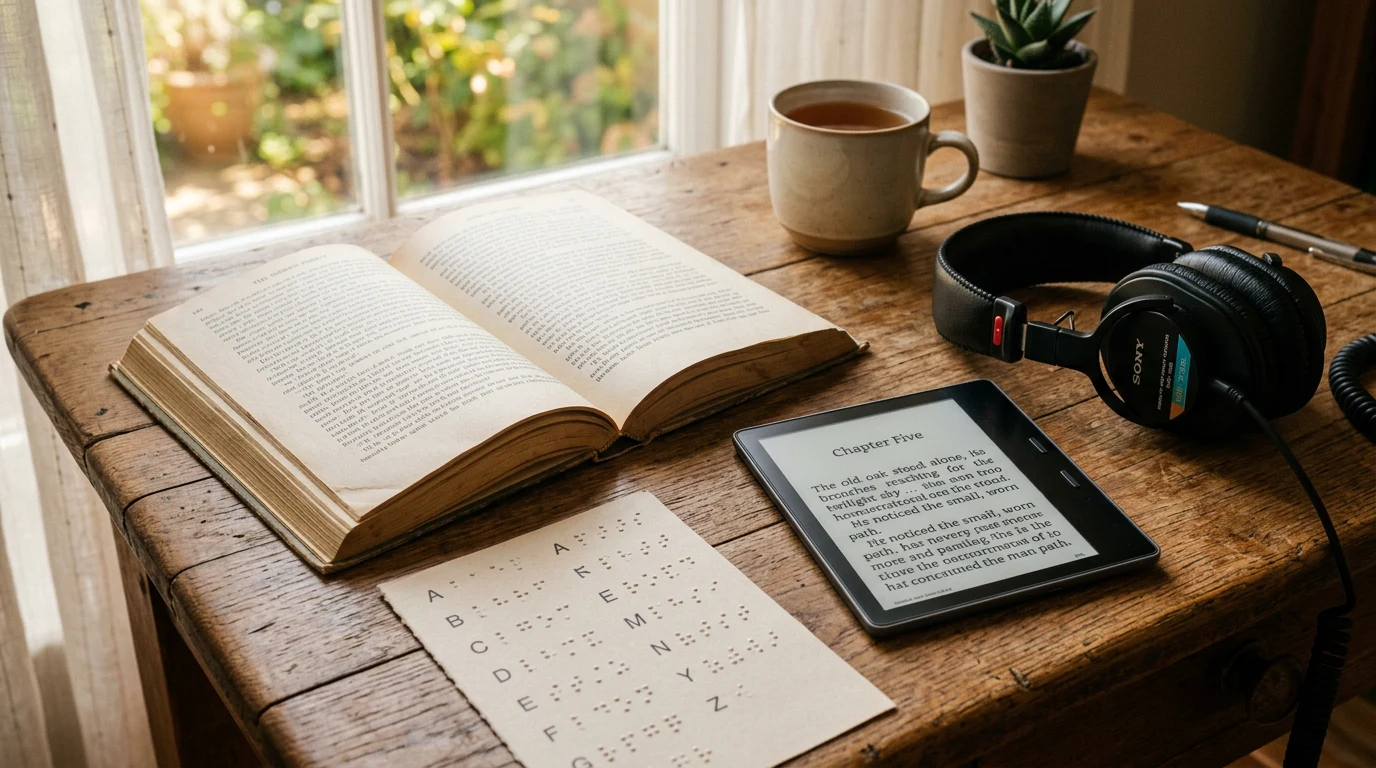
Yes, you can read an ebook in braille, but not on a Kindle or Kobo: refreshable braille displays connect to phones and computers, where the built-in screen reader — Apple's VoiceOver or Android's TalkBack — converts the book's text into braille output in real time, per Apple's and Google's accessibility documentation (2025). A typical consumer display carries 20 to 40 cells, and in the United States the National Library Service even lends braille e-readers to eligible readers at no cost, per the Library of Congress (2025). What no mainstream e-reader offers is braille output of any kind.
How does a braille display actually work with an ebook?
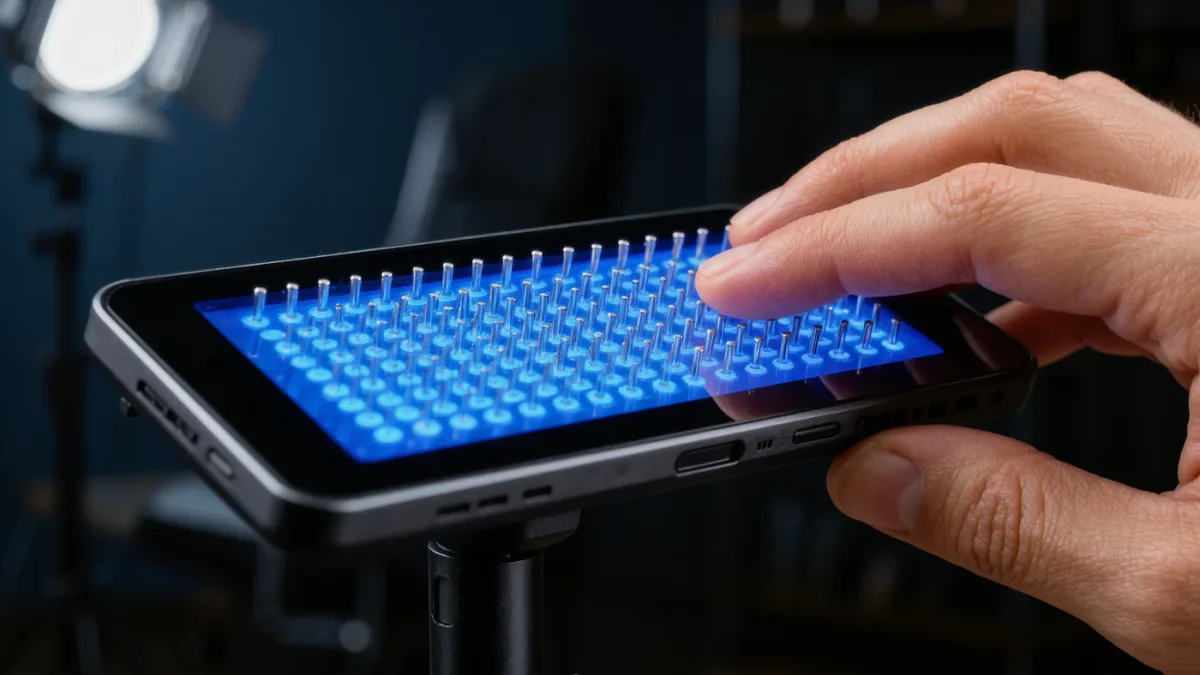
A refreshable braille display is a row of cells, each cell raising plastic pins to form one braille character. The display itself has no storage and no bookstore — it is an output device that renders whatever the connected computer sends. The chain looks like this:
- You open the book in a reading app on iOS, iPadOS, macOS, Windows, or Android.
- The platform screen reader tracks the text cursor.
- The paired braille display shows the current line of text as braille cells, refreshing as you move.
Per Apple's documentation, VoiceOver supports braille displays across iPhone, iPad, and Mac; per Google's, TalkBack supports braille over Bluetooth and USB on Android. On Windows, the built-in Narrator screen reader supports braille displays as well, per Microsoft's documentation. Multiple grades and braille code settings, including contracted braille tables, are configurable on each platform.
The practical consequence for book reading: your reading app matters less than the platform. Any app whose text the screen reader can read — which includes the major store apps and most EPUB readers — becomes a braille reader once a display is connected.
What can you read this way, and how well?
Reflowable EPUBs and store books with real text translate cleanly into braille: headings, links, and lists carry over into the display's structural navigation. The weak spots are predictable:
- Images appear only if the book carries alt text — a well-made accessible EPUB brailles beautifully, a fixed-layout one brailles badly or not at all.
- Tables and poetry challenge line-by-line rendering; complex tables read cell by cell.
- Page numbers appear only when the file includes a page list mapped to a print edition.
Math is a special case: modern platforms can render math markup into Nemeth or Unified English Braille when the source file encodes it properly, per documentation from braille-technology standards work — but indie-produced files rarely encode math at all, so scientific reading depends heavily on how the book was built. The lesson, again, is that accessible reading is a partnership between hardware and file quality.
What displays exist, and what do they cost?
Displays from long-standing assistive-technology makers range from pocket-sized 14- and 20-cell units to 40- and 80-cell desktop models, with multi-line and graphical braille devices emerging at the high end, per manufacturers' product documentation. Pricing has historically been braille's hardest fact: conventional displays have cost thousands of dollars, because each cell is a precision electromechanical assembly. Newer lower-cost designs have pushed entry prices down, but a display remains a serious purchase — which is why funding programs matter.
Ways readers actually acquire displays:
- School and university disability services, which frequently purchase assistive technology for students.
- Vocational rehabilitation agencies, which fund employment-related equipment for eligible people in many countries.
- Lending programs — in the US, the NLS braille e-reader program lends devices to eligible readers through cooperating libraries, per the Library of Congress.
- Veterans' and charitable programs in several countries.
Why don't e-readers support braille?
There is no deep technical mystery: e-ink e-readers are closed appliances, and their vendors have not built screen readers with braille output into them. VoiceView on Kindle e-readers, per Amazon's documentation, provides speech only — no braille protocol, no display pairing. Kobo and PocketBook devices likewise have no braille support documented.
The industry's direction has effectively conceded this: the phone is the accessible reading device. Because a phone runs full screen readers with braille support, mainstream book apps, and library apps including BARD and Bookshare readers, the phone-plus-display combination has become the standard braille reading stack. An e-ink device is simply not part of that chain today.
It is fair to call this a gap worth naming. A braille-capable e-ink reader — long battery, paper-like reading in braille — would be a genuinely lovely object. Nothing announced by the major e-reader makers as of early 2026 points that way, so plan around what exists.
How do you get started reading books in braille?
A pragmatic sequence:
- Confirm platform support. Any recent iPhone, iPad, Mac, Android device, or Windows PC supports braille displays through its built-in screen reader, per each vendor's documentation.
- Pair the display over Bluetooth or USB and set your braille table, grade, and verbosity preferences.
- Pick a reading app — your store's app or any well-regarded EPUB reader — and verify headings, links, and alt text braille correctly on a known book.
- Check funding before retail. Talk to your school's disability office, rehabilitation agency, or national library service first.
Frequently asked questions
Can a Kindle connect to a braille display?
No. Kindle e-readers with VoiceView offer speech output only, per Amazon's documentation, with no braille display support. Read Kindle store books in braille through the Kindle app on a phone or computer with a paired display.
How fast is braille reading compared with speech?
Experienced braille readers typically read slower than experienced speech listeners consume synthesized narration, but braille gives direct contact with spelling, punctuation, and layout — which matters for study, proofreading, and enjoying prose as written.
Can I get a braille display for free?
Possibly, depending on country. In the US, the NLS lends braille e-readers to eligible readers, and vocational rehabilitation agencies fund displays for eligible individuals, per the Library of Congress and state program documentation.