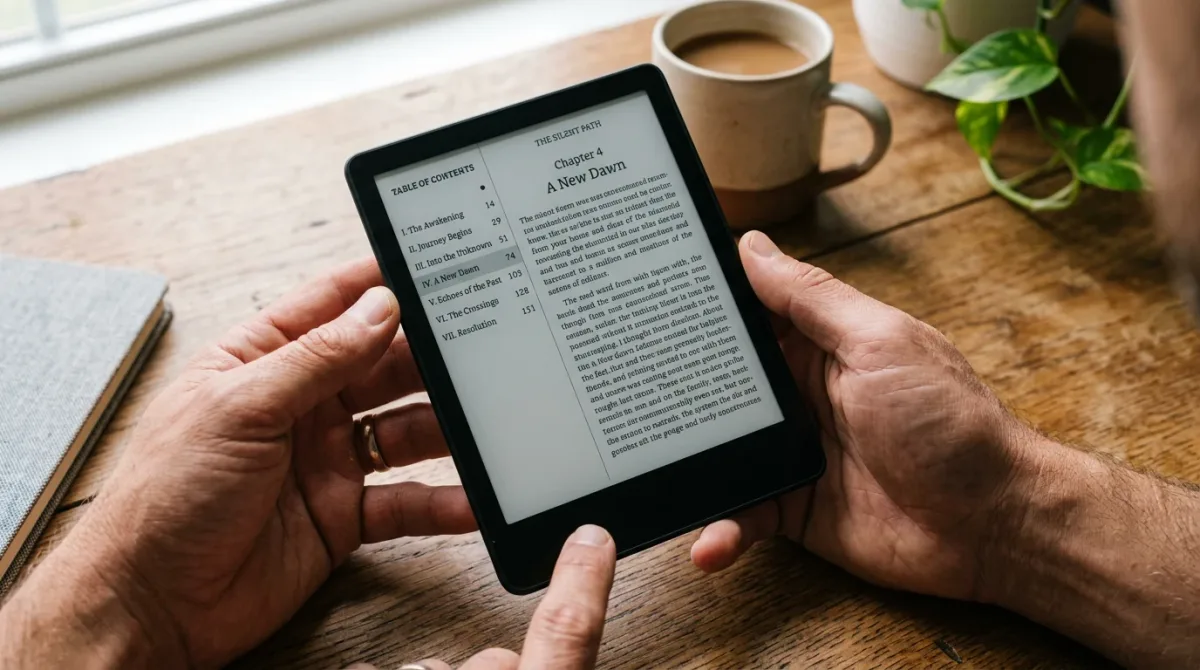
If you self-publish and sell into the EU, your ebook now needs to meet accessibility requirements under the European Accessibility Act, which took effect on June 28, 2025, per the W3C's EPUB Accessibility–EAA mapping document. The practical fix is the same file hygiene good ebooks already use: real alt text, proper heading styles, and a clean reading order — the retailer tools to do it already exist, unevenly, across Amazon, Kobo, and Apple.
The European Accessibility Act is EU legislation, not a store policy. Per the European Commission's own overview, the Act was designed to harmonize accessibility rules across member states for a list of ten product and service categories, and e-books are named explicitly among them, alongside e-commerce. Member states had until June 2022 to write the Act into national law, and per the W3C's mapping document, the substantive requirement took effect on June 28, 2025 — meaning ebooks sold to EU consumers should already meet it as of this writing. The Commission's page does not spell out enforcement mechanics or penalties; that detail sits with each member state's own market-surveillance authority, and the sources here don't establish what those look like country by country.
What Does the EAA Actually Require of an Ebook File?
The technical bar is EPUB Accessibility 1.1 mapped to WCAG 2 Level AA, not a separate publishing-specific standard. The W3C's mapping document states that EPUB Accessibility 1.1 satisfies the EAA's technical requirements for e-books by walking through how EPUB's existing specification features answer each one.
Concretely, per the W3C document, that means: alternative text for meaningful images (mapped to WCAG 1.1.1); a working table-of-contents navigation structure; semantic heading and list markup that supports reflowable layouts (WCAG 1.3.1); adjustable text size, spacing, and contrast (WCAG 1.4.3, 1.4.4, 1.4.12); and — where a book carries DRM — a requirement that the DRM not block assistive-technology access. The same document flags an honest limit: fixed-layout EPUBs, the format usually used for comics and illustrated children's books, face structural constraints that keep them from fully meeting the text-resizing and reflow criteria, regardless of how carefully they're built.
The W3C document also calls out accessibility metadata — machine-readable information in the EPUB's file declaring which accessibility features are present — as part of compliance, on the reasoning that a reader (or a retailer's system) should be able to tell whether a book is accessible before buying it, not after.
What Do Amazon, Kobo, and Apple Actually Ask Authors to Do?
None of the three major retail platforms enforces the EAA as a submission gate the way, say, a cover-size requirement is enforced. Their guidance ranges from detailed to essentially silent, per each platform's own documentation.
| Retailer | Alt text guidance | Heading/structure guidance | Accessibility metadata |
|---|---|---|---|
| Amazon KDP | Meaningful images need alt text, capped at 140 characters per KDP's own accessibility guidance; decorative images get a null alt attribute | Recommends a logical heading hierarchy and correct list/table markup so assistive tech can navigate | Authors self-declare accessibility features at title setup; default answer is "I don't know," and KDP does not block publishing on any answer, per its own help page |
| Kobo Writing Life | Alt text should be descriptive and concise, and any text embedded in an image must be repeated in the alt text, per Kobo's own accessibility article | Explicitly tells authors to use real Heading 1/Heading 2 styles rather than manually resizing text to look like a heading | Requires complete title, author, and description metadata, plus a correctly set primary language for multilingual books; no dedicated accessibility declaration field described in the article |
| Apple Books | Not addressed in Apple's own formatting and content guidelines document | Table of contents required as a functional feature, not framed as an accessibility measure, per Apple's own guidelines | Not addressed in the guidelines document reviewed for this piece |
That gap matters for indie authors: Kobo's own documentation goes furthest in coaching authors toward EAA-aligned habits, especially the instruction to use genuine heading styles instead of faking them with font size. Amazon's KDP guidance covers similar ground and adds a customer-facing accessibility icon that appears on a book's detail page within about 72 hours of publication, per KDP's help documentation, letting shoppers see declared features before buying. Apple's public formatting guidelines, by contrast, don't mention accessibility requirements at all in the document reviewed here — which doesn't mean Apple has no internal standard, only that the publicly posted formatting guide doesn't state one.
How Do I Actually Build an Accessible EPUB as a Self-Published Author?
Start in your word processor or EPUB tool, before export, since most of this is markup discipline rather than a separate accessibility pass.
- Use your software's built-in Heading 1/Heading 2 styles for chapter and section titles — never manual font-size changes to fake a heading look, per Kobo's own guidance.
- Add alt text to every image that carries meaning, keeping it under roughly 140 characters per KDP's guidance, and set decorative images to a null (empty) alt attribute on both KDP's and Kobo's guidance.
- Use your software's actual numbered- and bulleted-list formatting rather than typed dashes or numbers, so screen readers announce list structure correctly, per Kobo's article.
- Fill in complete title, author, and description metadata, and set the correct primary language — required by Kobo's guidance, and useful groundwork for the accessibility metadata the EAA and EPUB Accessibility 1.1 call for per the W3C's mapping document.
- At KDP title setup, answer the accessibility-features question honestly rather than defaulting to "I don't know" — KDP publishes on any answer, per its help page, but an honest answer is what populates the accessibility icon shoppers see.
- If you're producing a fixed-layout book — comics, heavily illustrated children's titles — know going in that full EAA-style compliance may not be technically achievable in that format, per the W3C's own stated limitation, and budget for a reflowable companion edition if accessibility matters to your list.
None of these steps require new software most indie authors don't already have; Kindle Create, Vellum, and most EPUB-export tools already expose heading styles, list formatting, and alt-text fields. What changes under the EAA isn't the toolchain — it's that skipping these steps for EU-market sales now sits on the wrong side of a real regulation, not just a nice-to-have.
Frequently Asked Questions
Nothing here restates settled facts as speculation, and where the sourced pages didn't answer a question, that gap is stated rather than guessed at.
This guide draws on the European Commission's own EAA overview, the W3C's EPUB Accessibility–EAA mapping document, and each retailer's own accessibility documentation as of August 2026. It does not establish enforcement penalties by country, and it is not legal advice on whether a specific book or business falls under the Act's scope — that determination belongs to a qualified adviser.
For a related business news perspective, read How Do Ebook Royalties Actually Work for Indie Authors?.
For more context, read How Do Ebook Royalties Actually Work for Indie Authors?.