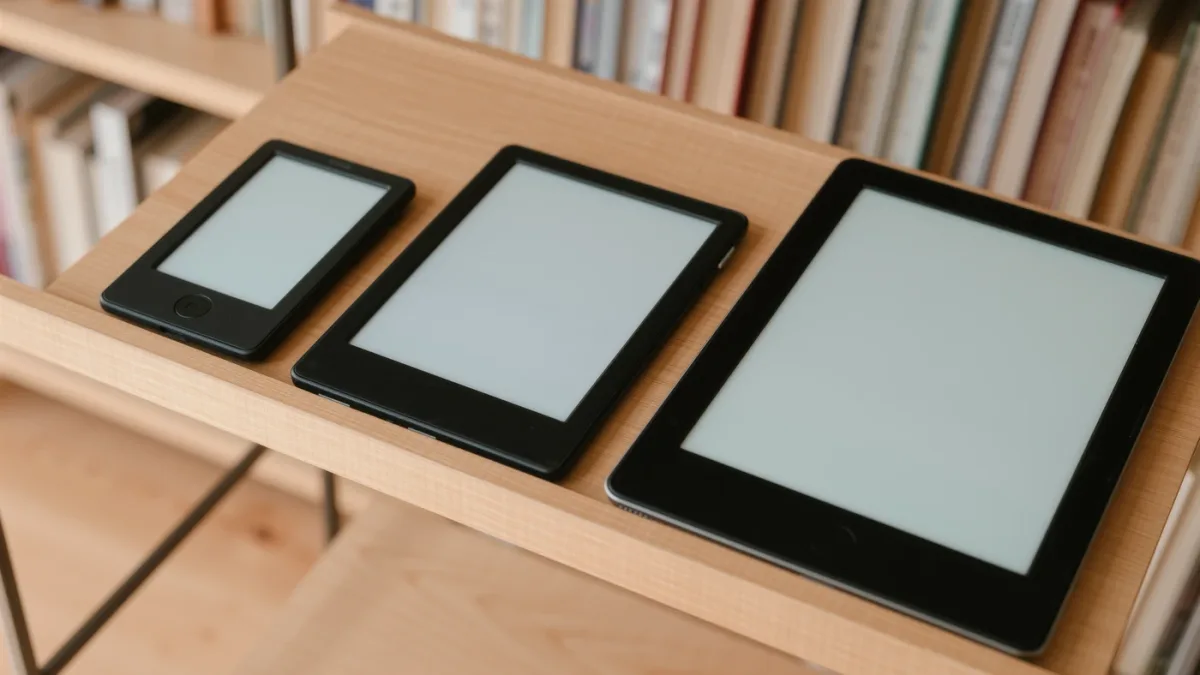
For novels read anywhere, a 7-inch screen is the sweet spot of the current market as of June 2026 — big enough for comfortable margins and fewer page turns, small enough for one-handed holding and a coat pocket. Six-inch readers still make sense for commuters and small hands; 10-inch-and-up slates belong to PDF readers, note-takers, and people who read at desks. The makers' own lineups now sort along exactly these lines, and that structure — not a spec duel — is how to choose.
MonBook Pro publishes information, not purchasing advice — every model reference below traces to the makers' spec pages.
What does each size class actually contain?
The 6-inch-and-change class holds the compact readers: Amazon's base Kindle (with its 6-inch display per Amazon's spec page) and Kobo's smaller Clara models. The 7-to-8-inch class is where the mainstream now lives — Kindle Paperwhite and Kobo Libra families, PocketBook's Era line — with physical page-turn buttons appearing on several of them. The 10-inch-and-up class covers Kindle Scribe, Kobo Sage and Elipsa, reMarkable's slates, and Boox's note-sized models: devices sold around pens and documents as much as books. Weight scales with size, and the makers list each device's grams — the difference between a pocket reader and a 10-inch slate is roughly the difference between a paperback and a hardcover.
| Size class | Typical weight feel | Best for | Weak at |
|---|---|---|---|
| ~6 inches | Pocketable, one-thumb | Commuting, small hands, budget | Wide margins, PDFs, comics |
| 7–8 inches | One-handed with effort | Novels, everyday reading | Full-page PDFs |
| 10+ inches | Two hands or a desk | PDFs, note-taking, sheet music | Portability, beach reading |
How does size change the reading itself?
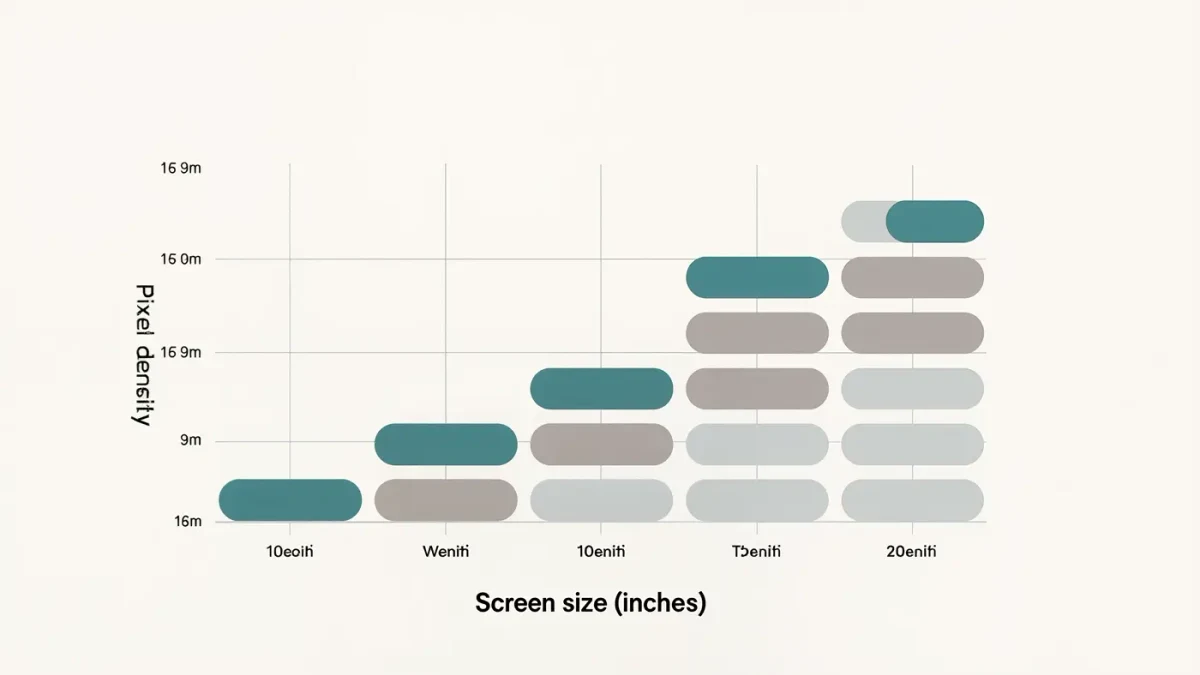
Through words per page and pixel density. A bigger screen at the same font size fits more words, so you turn pages less often — pleasant for immersion — and diagrams, maps, and footnote-heavy texts stop feeling crushed. Pixel density matters in the other direction: at 300 ppi, a 6- and a 7-inch panel are equally sharp per letter; the larger screen simply shows more of them. Where big screens genuinely earn their size is fixed-layout content — PDFs of journal articles, textbooks, comics — which does not reflow, and on a 6-inch screen turns into a panning exercise. If your week includes any of that, size stops being preference and becomes capability.
What about weight, comfort, and the bathtub problem?
Every practical drawback of large readers is ergonomic. Reading lying down with a two-hands device gets tiring; one-handed page turns need buttons or a stretch; and the bigger glass is more of a target for the drops e-ink screens hate. Conversely, small-reader owners complain about cramped typesetting on large-print editions and frequent page turns in long books. The honest self-test: what do you read, where, and in what position? A commute reader standing on a train optimizes differently from a sofa reader with tea, and differently again from a student with journal PDFs.
Is there a one-device compromise?
The 7.8-to-8-inch class is the closest thing — PocketBook Era and inkPad, Boox's mid-size models, Kobo's color Libra. These fit most of a novel's comfort and most of a PDF's width, at weights between the classes. The compromise is real in both directions: not quite pocketable, not quite desk-sized. Households that read everything often end up with a pair — a 7-inch for everywhere and a big slate for documents — and the used market for the first category makes that two-device life cheaper than it sounds.
How do fonts and margins interact with screen size?
Refinements can hide a small screen or waste a big one. Every platform documents its adjustable type settings — font family and size, line spacing, margins — and on a 6-inch panel a large type size with generous margins can shrink the text area to a few lines per page, making a long novel feel like a slideshow of paragraphs. On a 10-inch slate the same settings leave acres of border, which some readers love and others find institutional. Large-print readers get particular benefit from bigger screens: the accessibility guidance embedded in most platforms recommends scaling type until reading is effortless, and doing that comfortably on a small panel quickly runs out of room. If you read with type several steps above the default — many people do — treat the larger class as your baseline rather than a luxury, and check that the model you choose keeps a reasonable line count at your preferred settings rather than shrinking margins to nothing.
Which size for which reader, in one paragraph?
Novels on trains and in queues: six inches. Novels plus the occasional library loan, most readers, most budgets: seven. Manga, comics, academic PDFs, note-taking, or reading at a desk: ten and up. Genuinely mixed habits and a tolerance for compromise: 7.8-to-8 inches. Match the class to your week, then pick within it on ecosystem and front light — those two decisions will affect your reading far more often than an extra inch ever will.
Do page-turn buttons depend on size?
Largely, yes. Physical page-turn buttons appear mostly on 7-inch-and-up models — Kobo's Libra family and PocketBook's Era document them — because a larger bezel gives the buttons somewhere to live, while compact 6-inch readers rely on touch zones. If you read one-handed in a fixed position, buttons are quietly one of the most loved features in this niche: no reach across the screen, no accidental taps. Touch-swiping partisans lose nothing on any size.
What did the sources not establish?
No maker publishes words-per-page figures or readability studies by screen size, and no named independent comparison of reading comfort across size classes was verifiable as of June 2026 — the table above is a synthesis of the makers' documented dimensions and weights, not a measured test. Personal ergonomics vary enough that a hands-on check in a shop remains worth the trip.