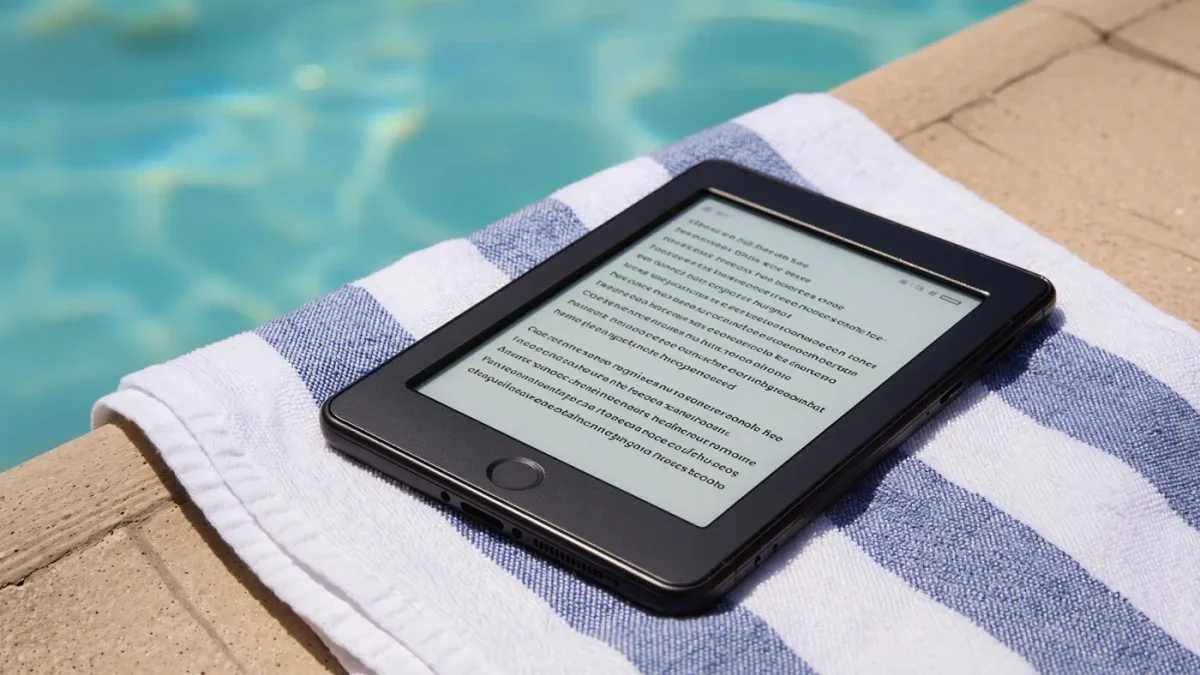
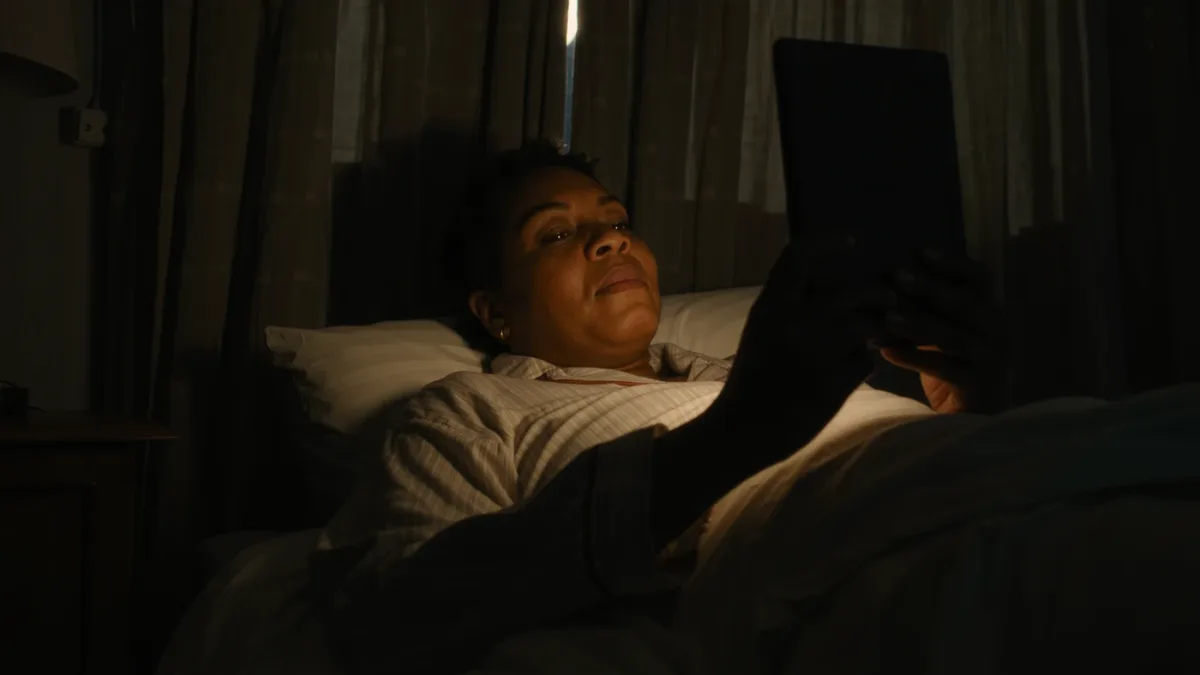
A front light works by shining LEDs sideways along a light guide layered above the e-ink surface, so the light reflects off the page toward your eyes instead of beaming at them like a phone's backlight — that is why every current mainstream e-reader offers it and why reading lit e-ink at night feels different from reading a tablet. Warm light adds a second set of amber LEDs to the mix, letting you dial the glow from white toward candle-colored. Both features are listed on makers' spec pages as of March 2026, and both are worth understanding before you compare a single brightness figure.
MonBook Pro publishes information, not health advice — for sleep and screen questions, your clinician outranks a spec sheet.
Why is it called a front light and not a backlight?
Because e-ink is reflective by design. The ink layer sits under a transparent layer; the light guide distributes LED light evenly across the top of it, and that light bounces back through the ink to your eyes — the same physics as a lamp on a paper book, miniaturized. A conventional LCD or OLED screen is emissive: pixels generate light aimed at you. This distinction explains the comfort claims you see everywhere. It also explains the occasional artifact people notice on e-readers — subtle shadows at the screen's edge where the LEDs sit — which makers do not advertise but which follow directly from the edge-lit design. The number of LEDs and the quality of the light guide, not a lux figure alone, determine how even the illumination looks.
What does the warm-light setting actually change?
The color of the light, by blending two LED channels. Cool-white LEDs alone give the plain lit page of early lit readers; adding amber LEDs shifts the blend toward yellow-orange as you raise the warmth slider. Makers brand this differently — Amazon calls its system adjustable warm light, Kobo marks it ComfortLight, PocketBook and Boox list color temperature adjustment on their spec pages — but the mechanism is the same family of amber-and-white LED mixing. What warmth does not do is dim the light; brightness and color temperature are separate sliders on every major platform, and using both is the trick: low brightness plus high warmth is the combination night readers tend to settle on.
Does warm light really help you sleep better?
Here the honest answer is: it is plausible and not settled. The concern behind warm modes is that short-wavelength (blue) light in the evening can suppress melatonin and shift the body clock — an effect documented in research summarized by Harvard Health and other medical sources, mostly from studies of bright screens, not e-readers at low brightness. A dimmed, warm e-reader delivers far less light than the devices in those studies. Harvard Health's own guidance has suggested avoiding bright screens in the hours before bed and, where screens are used, favoring warmer, dimmer settings. So treat warm light as a sensible precaution and a genuinely pleasant reading mode — not a guarantee of better sleep.
What should you check before buying?
- Both sliders: confirm the model lists brightness and color temperature adjustment — some budget models offer warmth only in fixed steps, per their spec pages.
- Evenness: edge shadows vary unit to unit; buy from a retailer with returns if night reading is your main use.
- Auto brightness: available on several Kindle, Kobo, and Boox models per their documentation — convenient, but it uses the light sensor, which some readers prefer to override manually.
- Dark mode: inverted e-ink (white text on black) is offered in settings across brands; many find it pairs well with low front light at night, though ink-based dark mode has its own contrast trade-offs.
How do you set it up for comfortable night reading?
- Open settings while reading in your actual evening environment — front light judged in a bright shop tells you little.
- Drop brightness to the lowest level at which text stays crisp for your eyes.
- Raise warmth gradually; most readers land somewhere in the middle of the amber range, and some brands offer schedules that warm the light automatically at set hours (documented per maker).
- Leave a small lamp on if you can — less contrast between screen and room is generally easier on the eyes, whatever the device.
How much battery does the front light cost?
More than anything else on the device, usually. E-ink itself only draws power when the page changes, so the weeks-long battery figures on makers' spec pages come with footnotes: Amazon, Kobo, and the rest typically state those numbers with the light off or at a set brightness and Wi-Fi disabled. Turn the light up to comfortable indoor levels and the LED array becomes the single biggest continuous drain, which is why real-world battery life lands well short of the headline figure for most night readers. Warmth itself barely matters — the amber LEDs are simply part of the lit page. If battery is your obsession, the practical order of operations is: lower brightness before you disable Wi-Fi, and consider a schedule that dims the light during daytime reading when ambient light does the work for free.
What did the sources not establish?
No maker publishes LED counts, lux measurements, or light-guide specifications in comparable form, and no named independent lab had published cross-brand front-light measurements we could verify as of March 2026. The melatonin-and-e-reading literature specifically is thinner than the general screen-light research. Warm light is a comfort feature with a reasonable scientific rationale — the marketing goes further than the evidence.