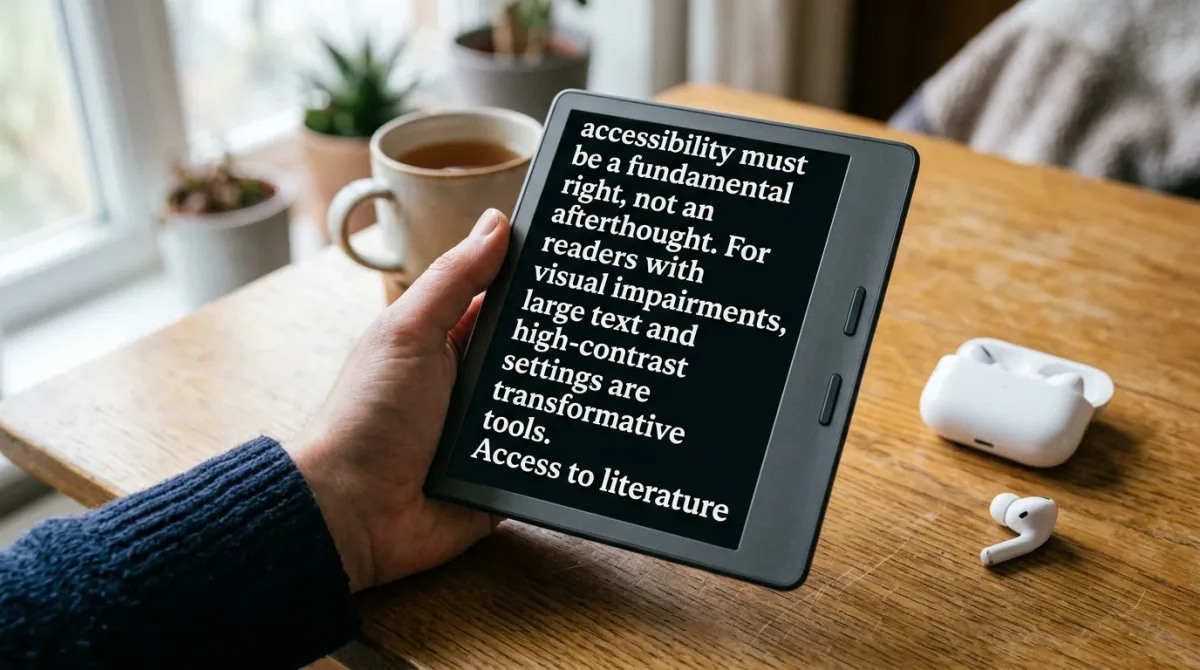
Kindle e-readers ship with a built-in screen reader called VoiceView and an Assistive Reader with synchronized text-to-speech highlighting, according to Amazon's own accessibility documentation. Kobo eReaders, by contrast, lean on adjustable fonts — including OpenDyslexic support — and Bluetooth audiobook playback rather than an on-device screen reader, per Rakuten Kobo's official accessibility page. Neither platform is a universal fix; each solves a different slice of the accessibility puzzle.
As of August 2026, Amazon lists VoiceView as a screen-reader gesture set built into current Kindle devices and Fire tablets, working alongside external tools like NVDA, JAWS, TalkBack, and VoiceOver for readers who prefer their own assistive software, per Amazon's Kindle Accessibility Features hub. Amazon's newsroom describes six features layered on top of that: Assistive Reader (text-to-speech with synchronized highlighting, aimed partly at dyslexic readers), Reading Ruler (a line-tracking overlay), Word Wise (inline definitions with audio pronunciation in the Kindle app), customizable display options including the OpenDyslexic font, gesture and switch-access navigation, and a Kindle Store library Amazon says includes more than 12 million screen-reader-compatible titles. Kobo's accessibility page, fetched the same day, describes a different toolkit: a range of eBook fonts "which may assist dyslexic readers," adjustable line spacing and margins, sideloadable custom fonts over USB, Bluetooth audiobook playback on supported models, and physical page-turn buttons on select devices for readers with limited dexterity. Kobo's page does not mention a built-in screen reader, on-device text-to-speech for eBooks, or braille display support.
Does Kindle Have a Built-In Screen Reader?
Yes — VoiceView is Amazon's on-device screen reader for current-generation Kindle devices and Fire tablets, and it has been part of the Kindle lineup since 2016, available in six languages, per Amazon's newsroom. It reads menus, book text, and navigation elements aloud through gesture controls, and it can pair with Bluetooth speakers or headphones. Amazon's accessibility hub also notes that readers can use their own preferred screen readers — NVDA, JAWS, TalkBack, or VoiceOver — with Kindle apps on desktop and mobile rather than relying on VoiceView alone.
What Text-to-Speech and Read-Aloud Tools Does Kindle Offer?
Assistive Reader is Amazon's dedicated text-to-speech feature, combining spoken audio with synchronized on-screen highlighting on iOS, Android, Fire tablets, and current Kindle devices, according to Amazon's newsroom post on Kindle accessibility. Amazon frames it as useful for readers with dyslexia who benefit from hearing and seeing text simultaneously. Word Wise adds a second layer of support: inline definitions and synonyms for select English-language titles, with the Kindle app additionally offering audio pronunciation of looked-up words. Reading Ruler, a line-tracking overlay available on iOS, Android, and Fire tablets, is aimed at readers who lose their place or struggle with sustained focus.
Can You Use Dyslexia-Friendly Fonts on Kindle and Kobo?
Both ecosystems support OpenDyslexic, but they get you there differently. Amazon's newsroom lists OpenDyslexic among the built-in font choices on current Kindle devices, alongside adjustable size, spacing, margins, alignment, and a dark-mode page-color option. Kobo doesn't name OpenDyslexic specifically on its official accessibility page — it describes "a wide variety of eBook fonts, including some which may assist dyslexic readers" as built in, and it separately documents a process for sideloading additional custom fonts onto a Kobo eReader over USB, per Kobo's help center. If a specific font name matters to your reading setup, check the sideloading route on Kobo rather than assuming it ships preloaded.
Does Kobo Have a Screen Reader or Voice Support?
Based on Kobo's own accessibility feature page, the answer is narrower than Kindle's. Kobo documents Bluetooth audiobook playback on select eReader models as its voice-based reading option, plus multilingual dictionary and translation tools and page-turn buttons on some devices for one-handed or low-dexterity use. The page doesn't describe an on-device screen reader for eBook text or a VoiceView-equivalent gesture system, and it doesn't mention braille display support. What wasn't established: whether any Kobo model supports third-party screen-reader software the way Kindle apps support NVDA or VoiceOver — that detail isn't covered in Kobo's published accessibility documentation.
How Do Kindle and Kobo Compare for Low-Vision Readers?
| Feature | Kindle (per Amazon) | Kobo (per Rakuten Kobo) |
|---|---|---|
| On-device screen reader | VoiceView, built in since 2016 | Not documented on Kobo's accessibility page |
| Text-to-speech with highlighting | Assistive Reader (iOS, Android, Fire tablets, current Kindle devices) | Not documented; audiobooks via Bluetooth only |
| Dyslexia-oriented font | OpenDyslexic listed as a built-in option | Sideloadable via USB; specific dyslexic-support fonts not named |
| Third-party screen reader support | NVDA, JAWS, TalkBack, VoiceOver supported with Kindle apps | Not addressed in Kobo's published accessibility page |
| Physical navigation aids | Gesture and switch-access navigation on compatible Bluetooth devices | Page-turn buttons on select models |
| Screen-reader-compatible library size | 12M+ titles cited by Amazon | Not quantified in Kobo's page |
What About Braille and Switch Access?
Amazon's accessibility hub says Kindle apps work with refreshable braille displays for readers using assistive technology, and it separately notes switch-access support on compatible Bluetooth-connected devices for readers with mobility challenges. Kobo's official accessibility page, as fetched, does not mention braille display compatibility or switch-access navigation — those needs aren't addressed in Kobo's current published documentation, so anyone relying on either should verify directly with Kobo support before buying.
Where Did This Accessibility Push Come From?
Kindle's accessibility features didn't arrive all at once. In a settlement stemming from a lawsuit brought by the National Federation of the Blind and the American Council of the Blind over Arizona State University's use of the inaccessible Kindle DX in a pilot program, Amazon committed to adding audible menus and extra-large font options to the Kindle, according to NBC News' reporting on the case. That early commitment — years before VoiceView's 2016 debut — is part of the pressure that pushed screen-reader support onto Amazon's roadmap in the first place.
What Does This Mean for You?
Blind and low-vision readers who need an on-device screen reader without pairing external software have more built into Kindle today, per Amazon's own documentation — VoiceView plus compatibility with NVDA, JAWS, TalkBack, and VoiceOver on the apps. Readers with dyslexia get comparable support on both ecosystems in different forms: Kindle's Assistive Reader and built-in OpenDyslexic option versus Kobo's sideloadable fonts and adjustable typography. Readers with limited dexterity should look at Kobo's page-turn-button models and Kindle's switch-access support and compare which physical or gesture interface fits their hands. Indie authors and small publishers preparing accessible editions should note that Amazon publicly ties screen-reader compatibility to a searchable Kindle Store property, which is worth confirming is set correctly through Kindle Direct Publishing before launch — a detail worth its own how-to.
For a related apps perspective, read How to Borrow Library E-Books on a Kindle E-Reader.